Which Audio Radar is right for me?
One question decides it: where do you game? Both systems use Surround Vision Technology™ to turn game audio into directional light around your monitor. The difference is the platform they’re built for. AR1 is the flagship: it does everything AR2 does, plus Xbox and PlayStation, with larger light bars. AR2 is the purpose-built PC option. Both use the desktop app on PC.
Start here
Where do you play?
The original Audio Radar is the flagship. It does everything Audio Radar 2.0 does, plus Xbox, PlayStation, and Switch, with larger light bars. Audio Radar 2.0 is the purpose-built PC option. Consoles connect over HDMI audio.
PC
I game on PC.
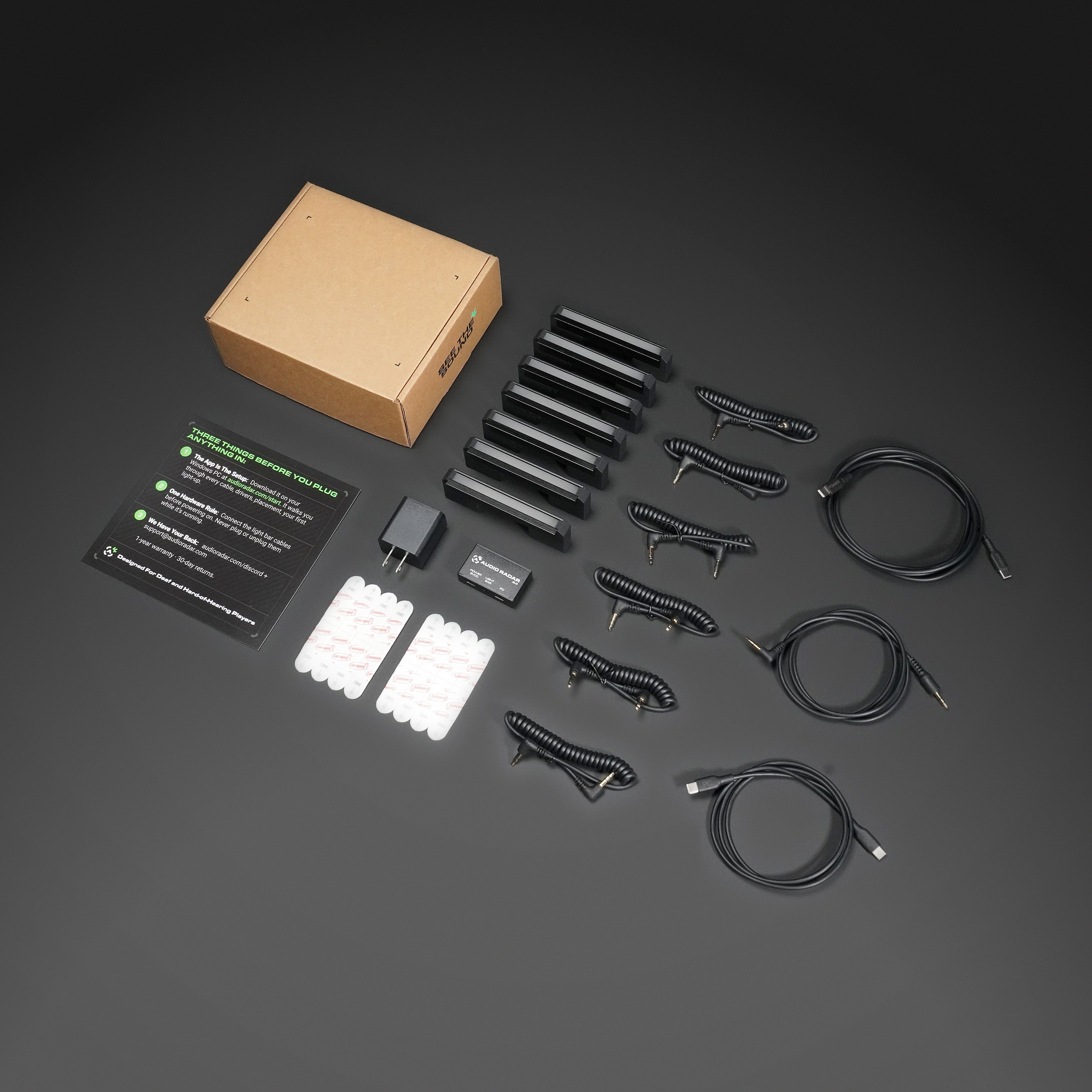
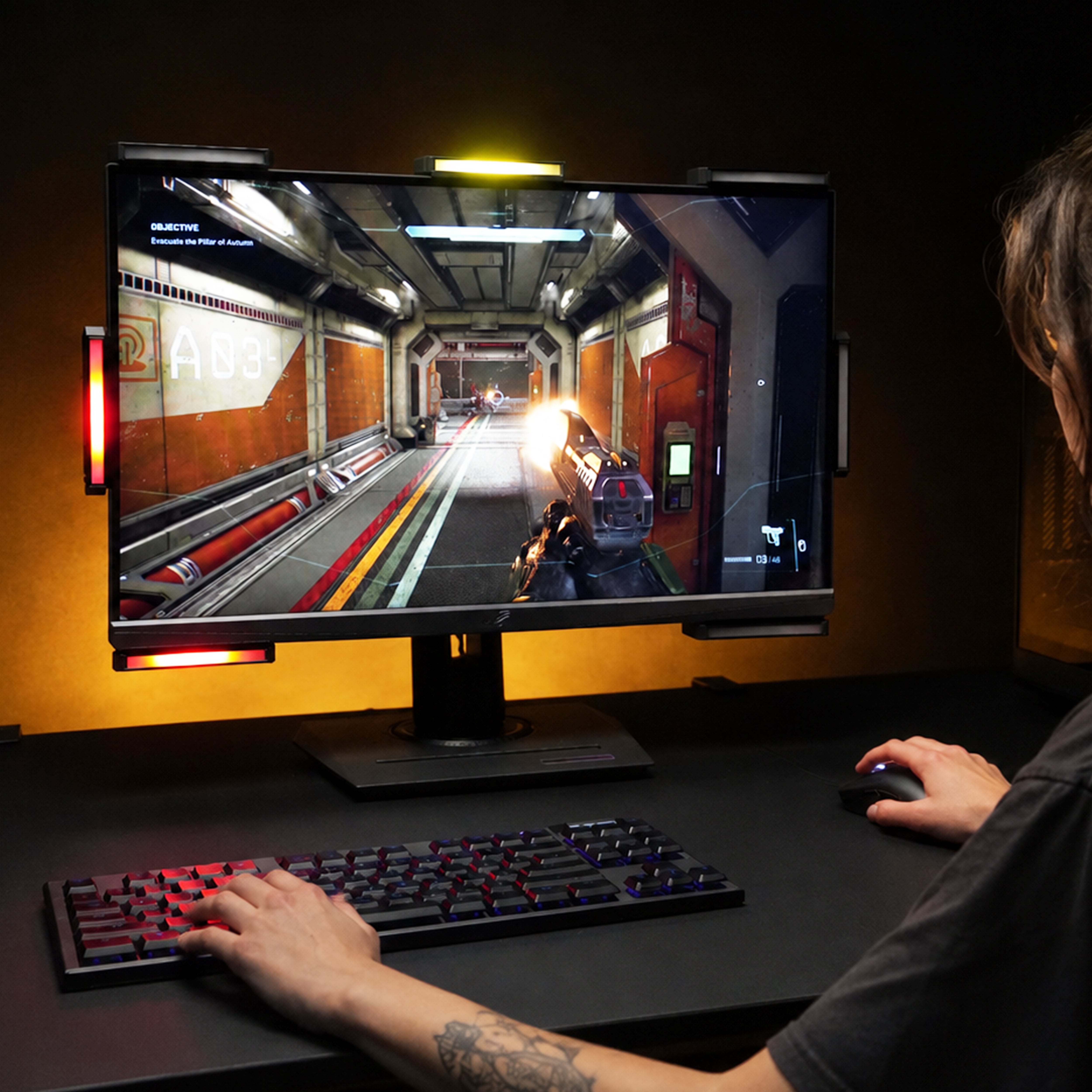
Audio Radar 2.0 is the purpose-built PC option: two USB-C cables (both included), nothing in your video path, and the desktop app running the show: the deepest tuning Audio Radar has ever had.
Meet Audio Radar 2.0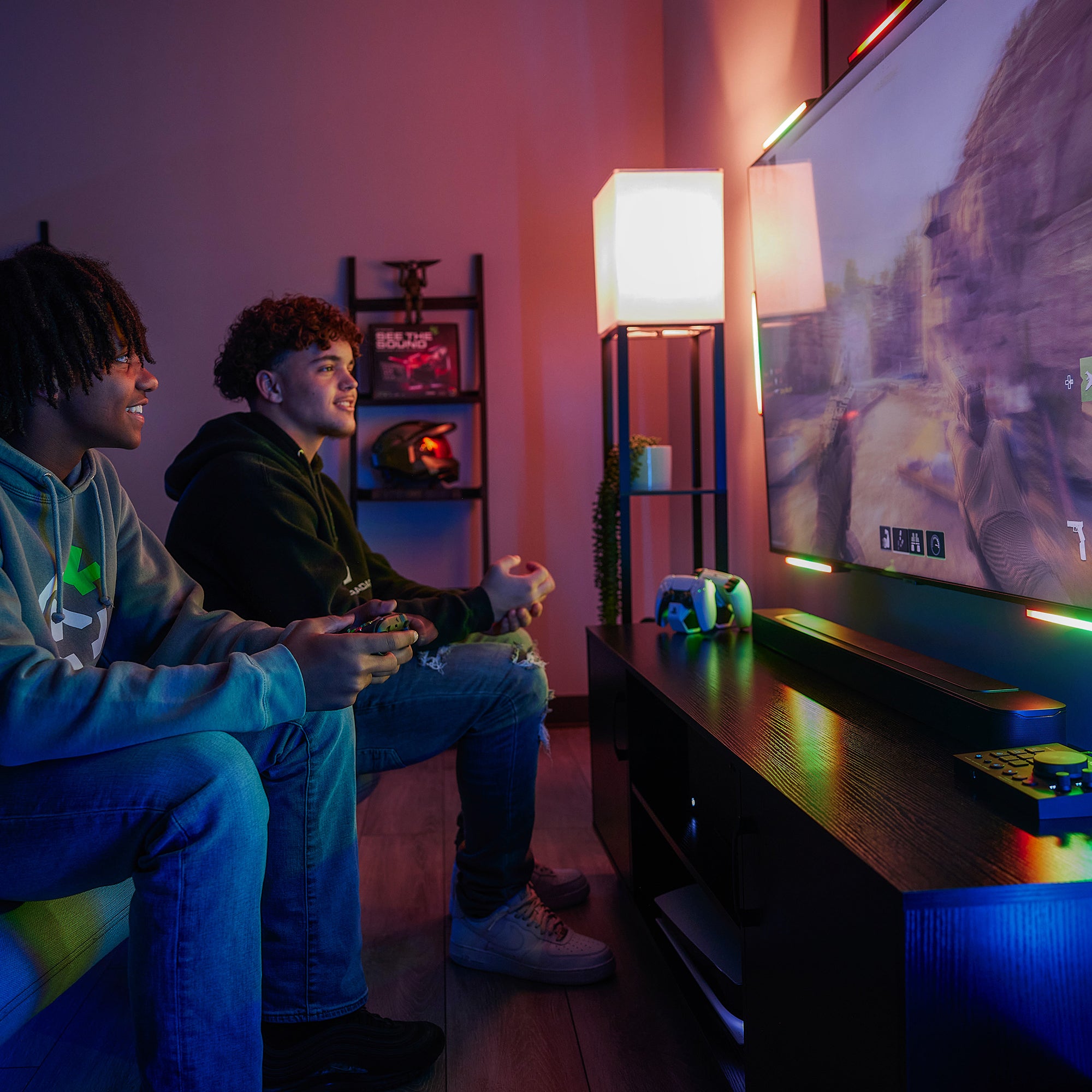
Console, or both
I game on console, or everywhere.
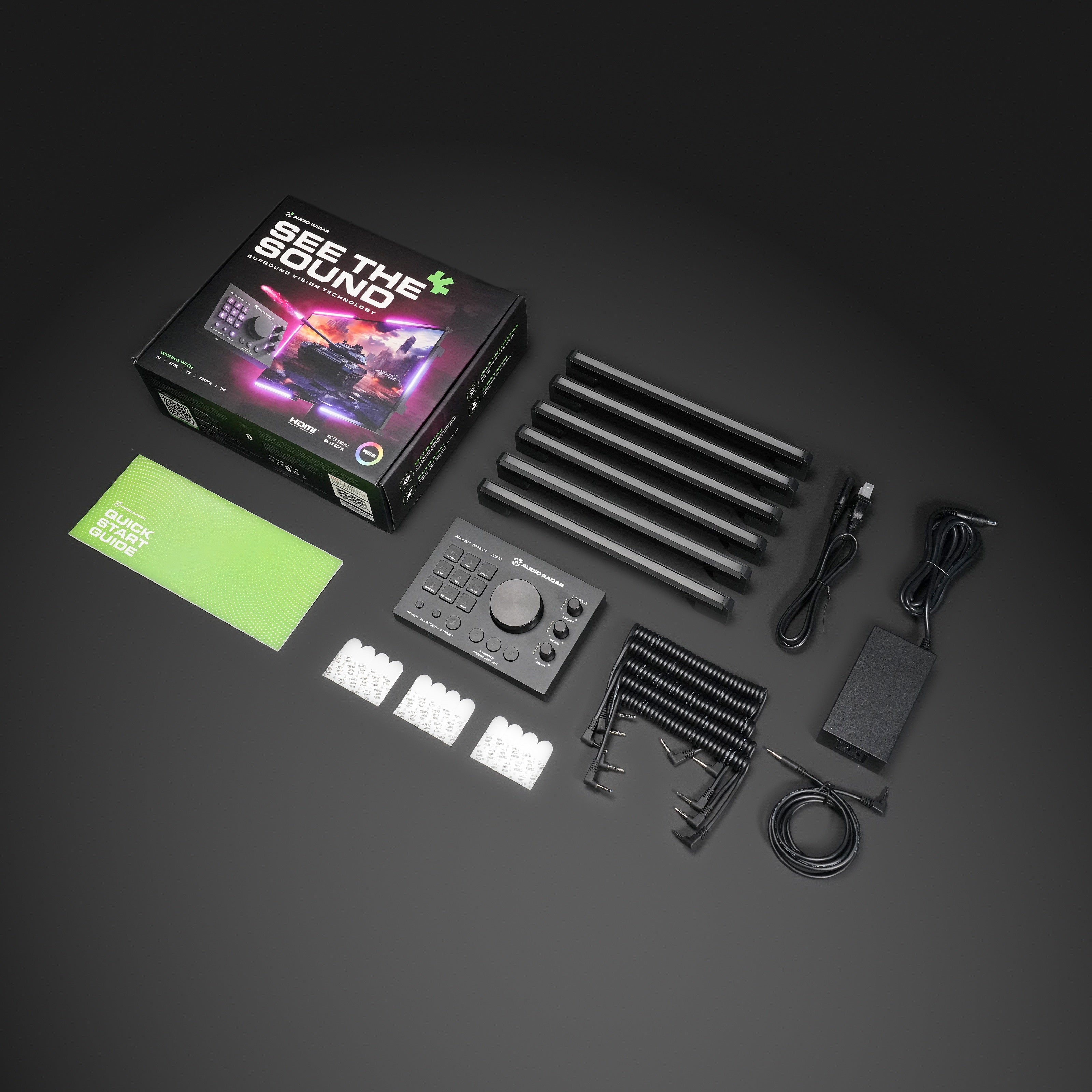
The original Audio Radar is the flagship. HDMI audio in, fully standalone (no PC, no app required), with onboard controls, larger light bars, and a built-in headphone jack. On PC, it runs the same desktop app as 2.0.
Meet Audio RadarSide by side
The full comparison.
Every meaningful difference, and everything they share.
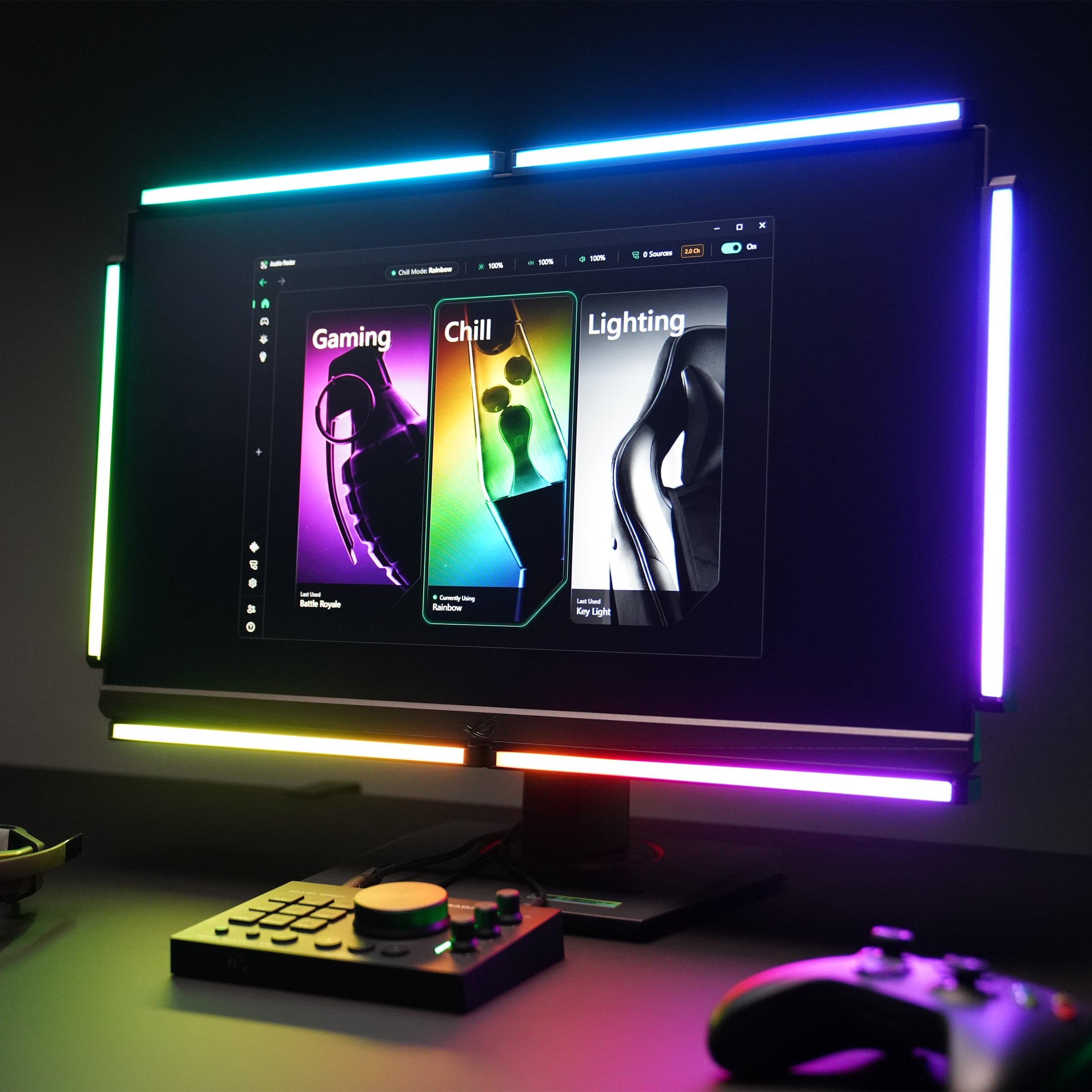
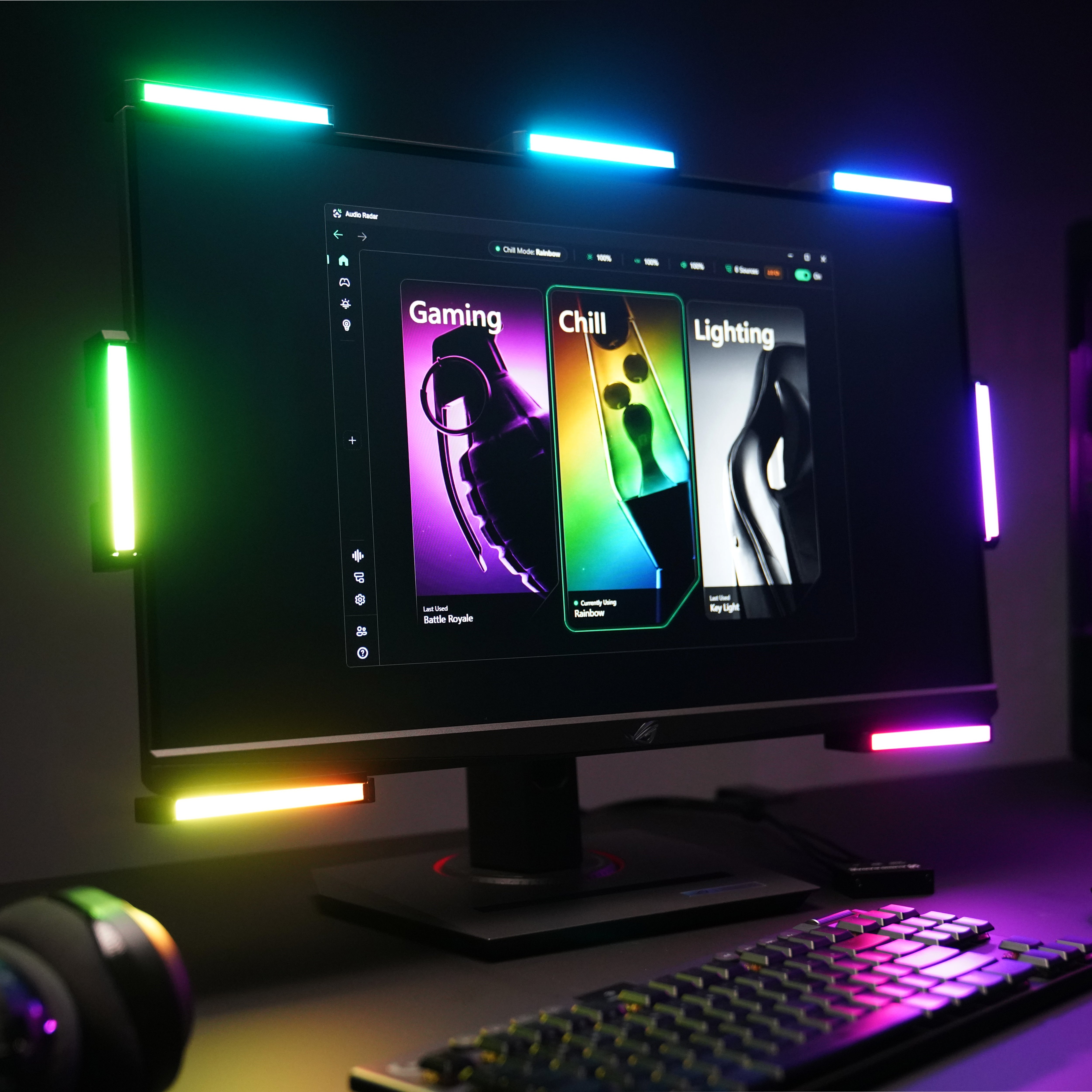
Xbox, PlayStation, Switch, plus PC (Windows 10/11)
PC: Windows 10 or 11 (64-bit)
HDMI audio on console · USB + desktop app on PC
Two USB-C cables, both included: data to your PC, power to the wall
HDMI passthrough, up to 4K @ 120 Hz (HDMI cables not included)
None needed. Your GPU stays plugged straight into your monitor
6 or 7 large bars, 10.7″ aluminum
7 compact bars, 4.5″ each
Optional 7th top-center bar, sold separately
Center bar included
Yes. Fully standalone on console: onboard processing, no PC anywhere
Built for the app. The intelligence lives on your PC
Full control surface: presets, per-zone dials, 11 built-in effects, headphone volume
None. Everything is point-and-click in the app
Yes. The same app as 2.0, after a one-time firmware update: free, via the Audio Radar mobile app (iOS · Android), over Bluetooth
Yes, born for it: guided setup, every step confirmed visually
Live + stream presets on the hardware · full app modes on PC
Gaming · Chill · Lighting, switched in one click
On PC via the app, the same 16-band EQ and four zone gates
Yes. 16-band EQ, four zone gates, per-app audio routing
Built-in headphone jack on the Command Center (surround → stereo)
Through the app, game audio to your headset and the bars at once
New features arrive as app updates. The hardware never needs flashing
Wall power, supply included · USB carries data only
USB-C power block, included
3M Command Strips · L-Bracket Kit for OLED/thin bezels
3M Command Strips · L-Bracket Kit for OLED/thin bezels
Console and multi-platform gamers · big screens, TVs as large as 85″
PC-first gamers who want the deepest control
The honest bit about stereo games
Audio Radar is at its best with games that output surround sound, and most modern shooters do: Call of Duty and Warzone, PUBG, Fortnite, Valorant, Rust. A few games (CS2 is the best-known) only output stereo. In those titles left/right response stays strong, but front/back separation is reduced. That's the game's audio output, not fine print on ours, and if a game lets you pick an audio format, choosing surround gives you the full effect. And on PC, the desktop app has a dedicated Stereo mode built for exactly these games: honest left/right response, mapped to the side bars.
PlayStation and headsets: one setting to know
PS5 sends game audio to a headset or over HDMI, not both at once. If you don't need headset audio, there's nothing to do: plug in and play. If you want game audio in your ears too, set Output to Headphones → “Voice Chat Only”. Your headset carries the chat, HDMI carries the game to your bars. Xbox splits game and chat audio independently, so no setting is needed there.
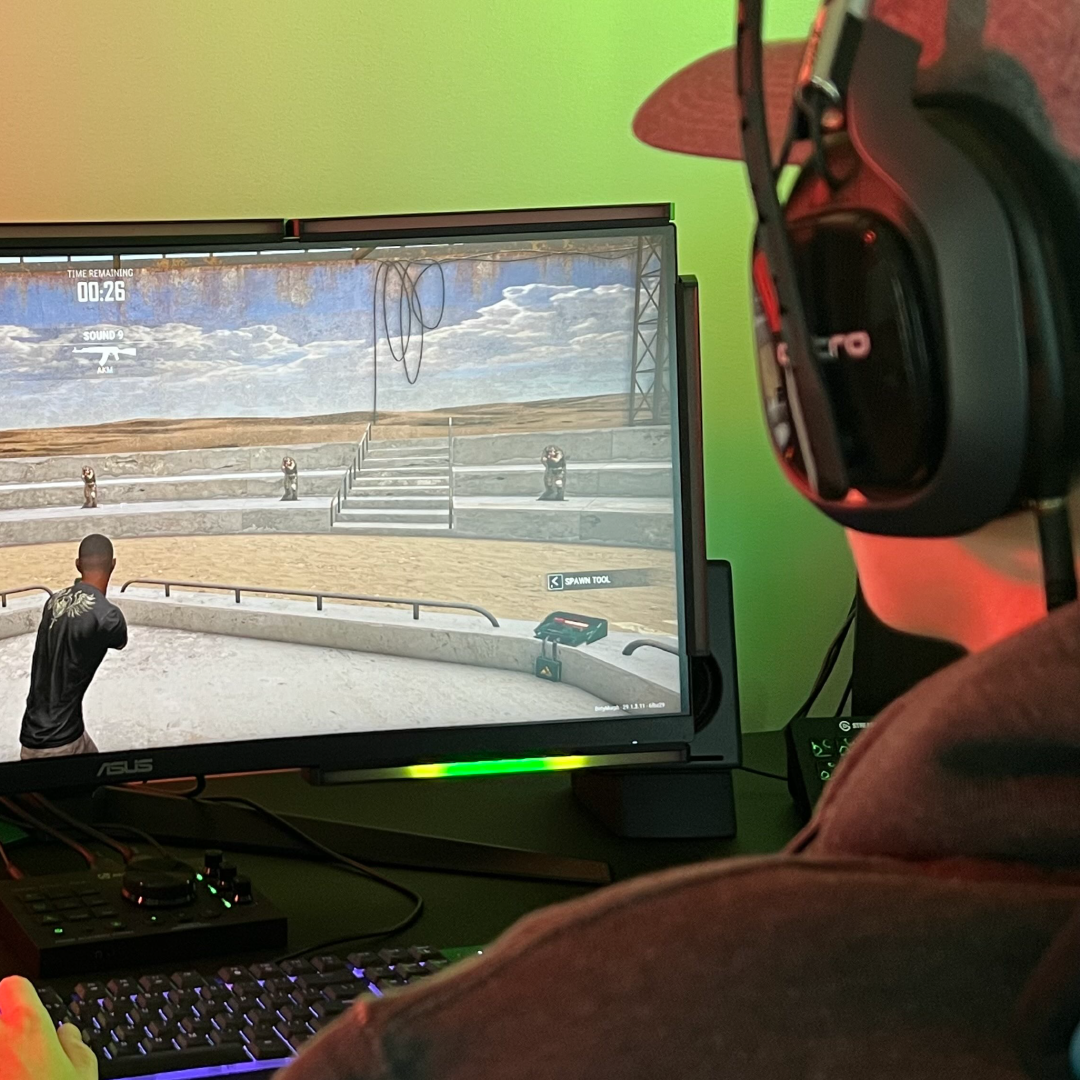
Headset + lights
Keep your headset. That's the point.
Headset for your ears, light bars for your eyes. On PC, the desktop app sends game audio to both at the same time. No extra software, no Voicemeeter. That's exactly how the PUBG Sound Lab study was run: players using a headset and Audio Radar together scored 47% higher than with the headset alone. Your ears get two channels; the game outputs up to 7.1. Hear in stereo. See in surround. On console, Audio Radar's Command Center has a headphone jack built in. Read the study ›
FAQ
Questions, answered straight.
Straight answers, including the limits. Quickest answers often come from the community: join the Discord ›
Which one should I buy?
PC only → Audio Radar 2.0. Xbox, PlayStation, or Switch, or console plus PC → the original Audio Radar. Both run the same desktop app on PC, so you're not choosing between software features. You're choosing platforms.
Do both use the same desktop app?
Yes. Audio Radar 2.0 is built around it. The original joins on PC after a one-time firmware update: download the free Audio Radar mobile app (iOS · Android), connect to your Command Center over Bluetooth, and install v1.3.2. It takes a few minutes. Most units ship with earlier firmware, so plan on this step. After that, you get the same modes, EQ, gates, and presets, adjusted for your bars.
Does the original need the app on console?
No. On console it's fully standalone. The processing happens inside the Command Center: live surround reaction, presets, per-zone dials, effects, and the headphone jack, with no PC anywhere in the room.
What's the deal with PS5 and headsets?
PS5 outputs game audio to a headset or HDMI, not both. Playing without headset audio? Nothing to configure. Want both? Set Output to Headphones to “Voice Chat Only”: chat in your ears, game audio to the bars.
What about stereo-only games?
Games that output surround give the full directional picture, and most modern shooters do. Stereo-only titles (CS2 is the best-known) still give strong left/right response with reduced front/back separation. On PC, the app's Stereo mode maps them honestly to the side bars.
Is the center bar different between them?
Same job, same top-center position, same center channel. Audio Radar 2.0 includes it; on the original it's the optional 7th bar, sold separately.
Do the accessories fit both?
The L-Bracket Kit works with both systems. The 7th Center Lightbar is for the original only, as 2.0 already includes its center bar.
I have a big TV. Which one?
The original. Larger 10.7″ bars read better at living-room distance, and it works on TVs as large as 85″ (larger is possible with some cable modifications). For TVs over 43″, we recommend adding the 7th center bar.
I already own the original. What changes?
Nothing breaks. Your console setup keeps working exactly as it always has, and a free firmware update adds the desktop app on PC. Download the Audio Radar mobile app (iOS · Android) and install it over Bluetooth (most units ship with earlier firmware). If you add a 2.0 to a PC setup, note the hookup is different, and simpler: it never touches your HDMI chain. USB-C only, and the app does the rest.
Is either one a cheat?
No. Your console or PC sees Audio Radar just like an audio device. No game files, no overlays, no game hooks, and no anti-cheat issues on either system.
Still deciding? Pick your Audio Radar.
Both run the desktop app on PC and come with 30-day returns and a 1-year limited warranty, and we ship worldwide from Michigan.