
Before you add to cart
First, match the accessory to your system
The original Audio Radar and Audio Radar 2.0 are different hardware, so fit matters. Each accessory is covered in the guide just below, so match it to your system before you buy. Quick check: the original is the console-and-PC system with larger light bars; Audio Radar 2.0 is the USB-C system purpose-built for PC.
2 products
When you need it
Two accessories, two specific jobs
Both solve a real setup problem, and if the problem isn't yours, you can skip them with confidence.
Coverage upgrade
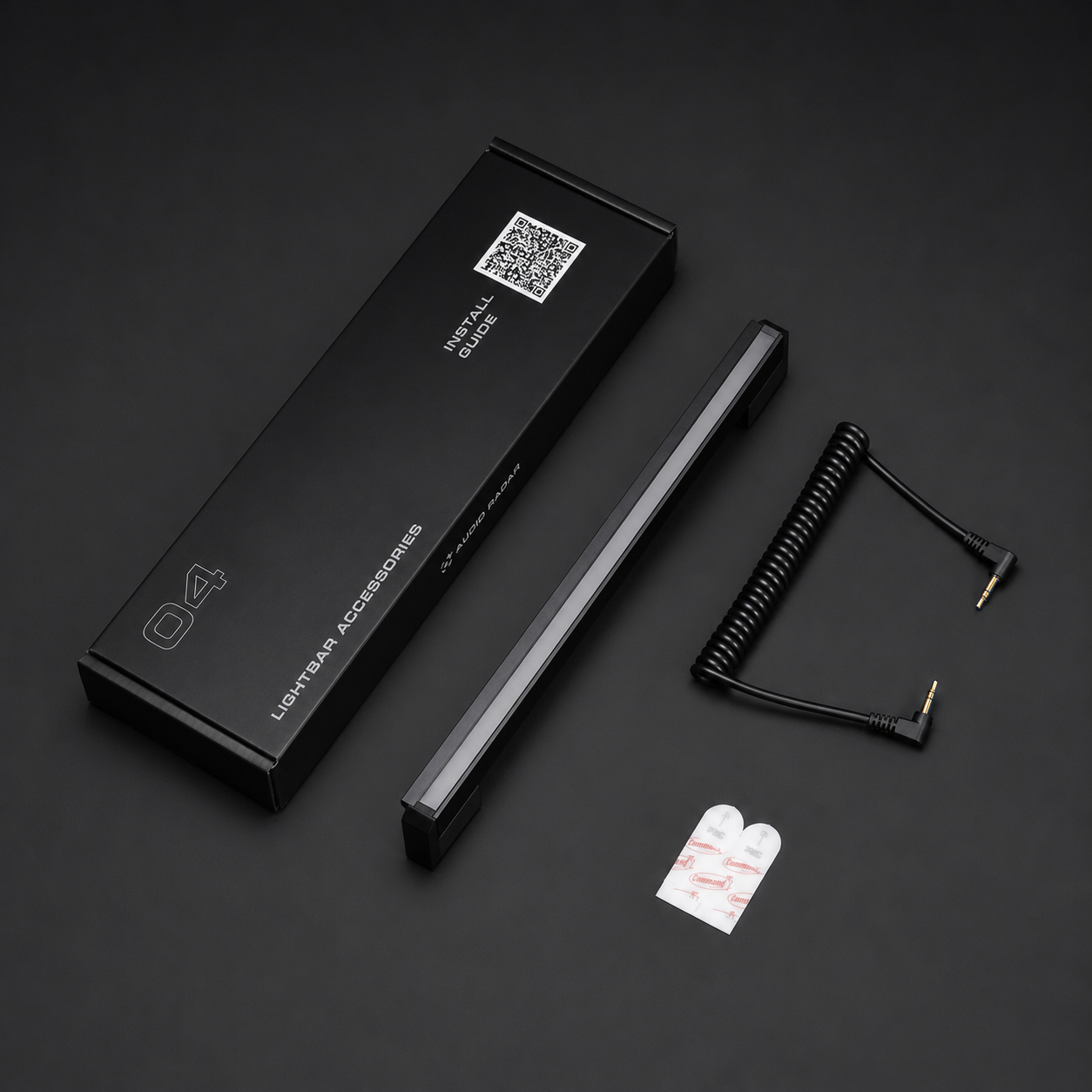
7th Center Lightbar: big screens and center-channel games
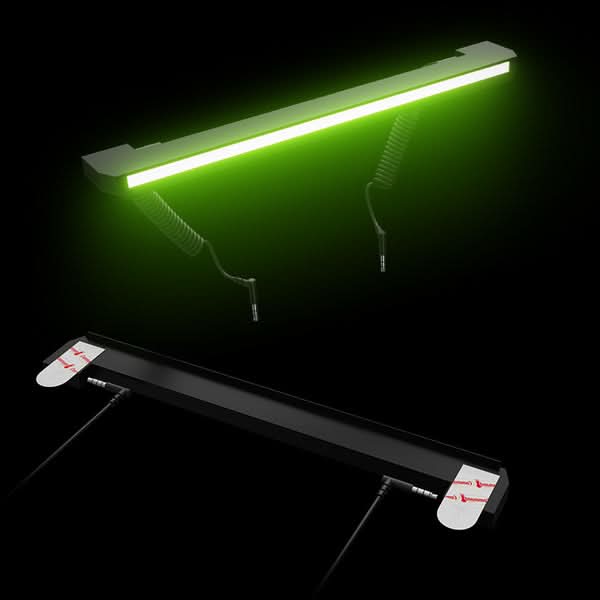
The original Audio Radar ships with six light bars; the 7th adds the top-center position and completes the full 7.1 layout. When it earns its spot: displays 55 inches and larger, where the top edge is wide enough for a distinct center cue, and games that make real use of the center audio channel, like Call of Duty and Warzone. One is all you need: the system runs up to seven bars. Buying for Audio Radar 2.0? You're already covered: all seven bars, center included, come in the box.
Includes the light bar, a coiled cable, and 3M Command Strips.
See the 7th Center Lightbar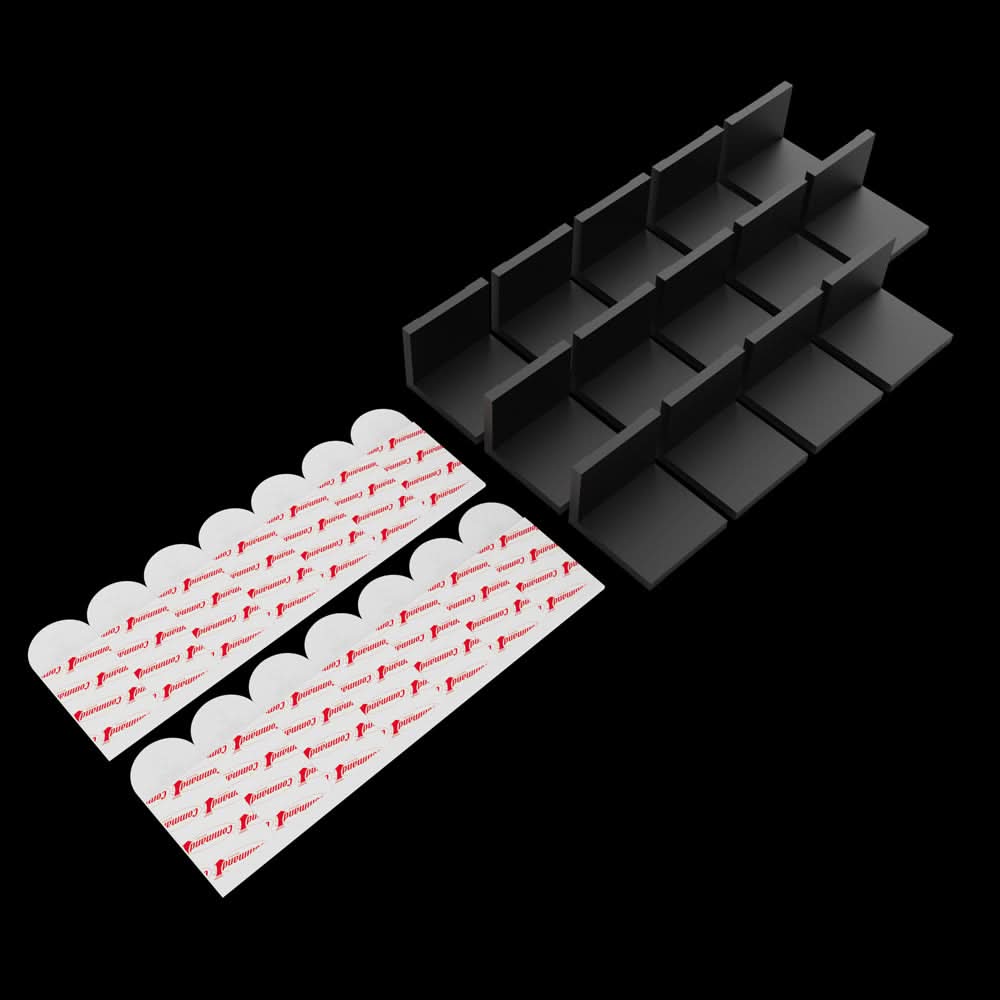
Mounting upgrade
L-Bracket Kit: OLED and thin displays
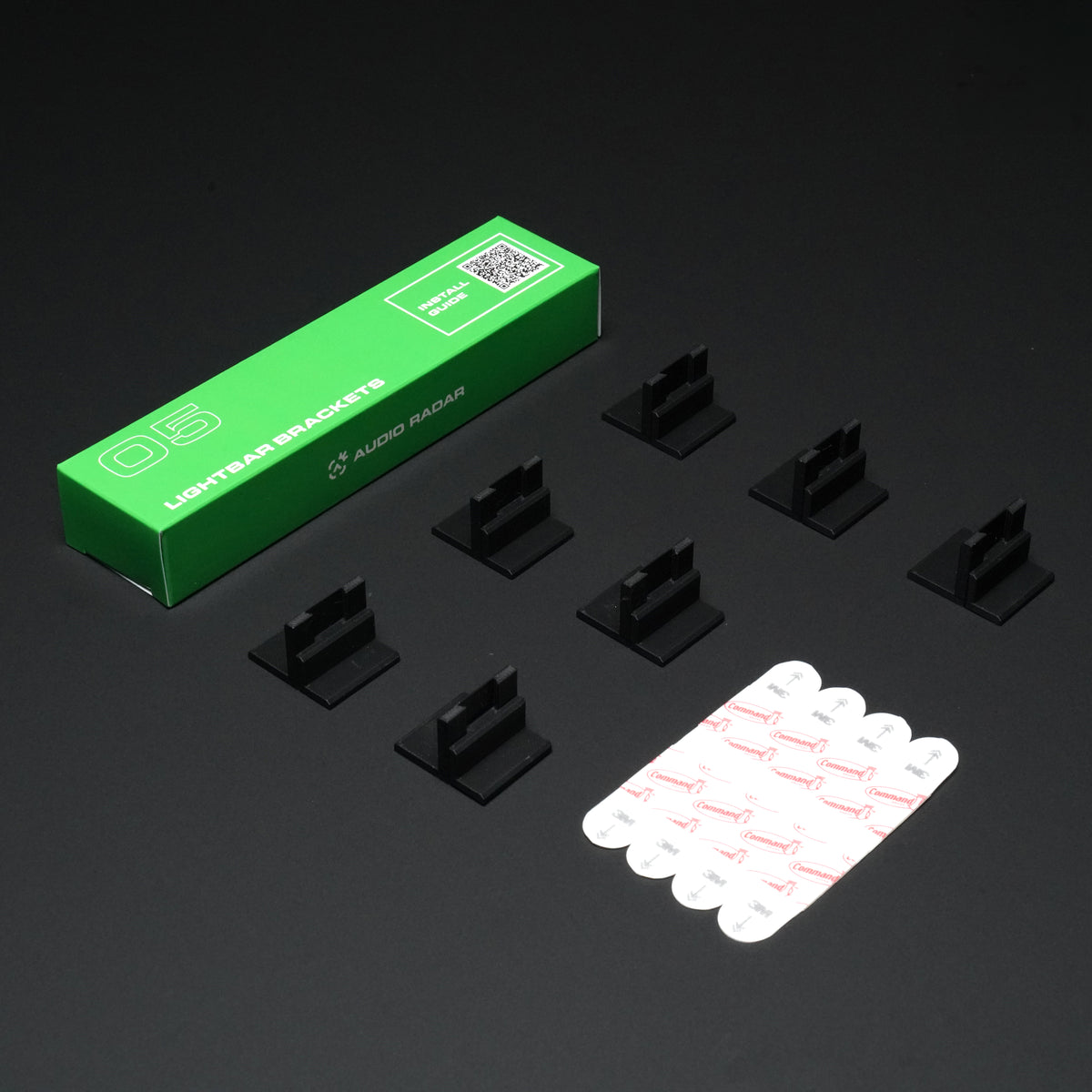
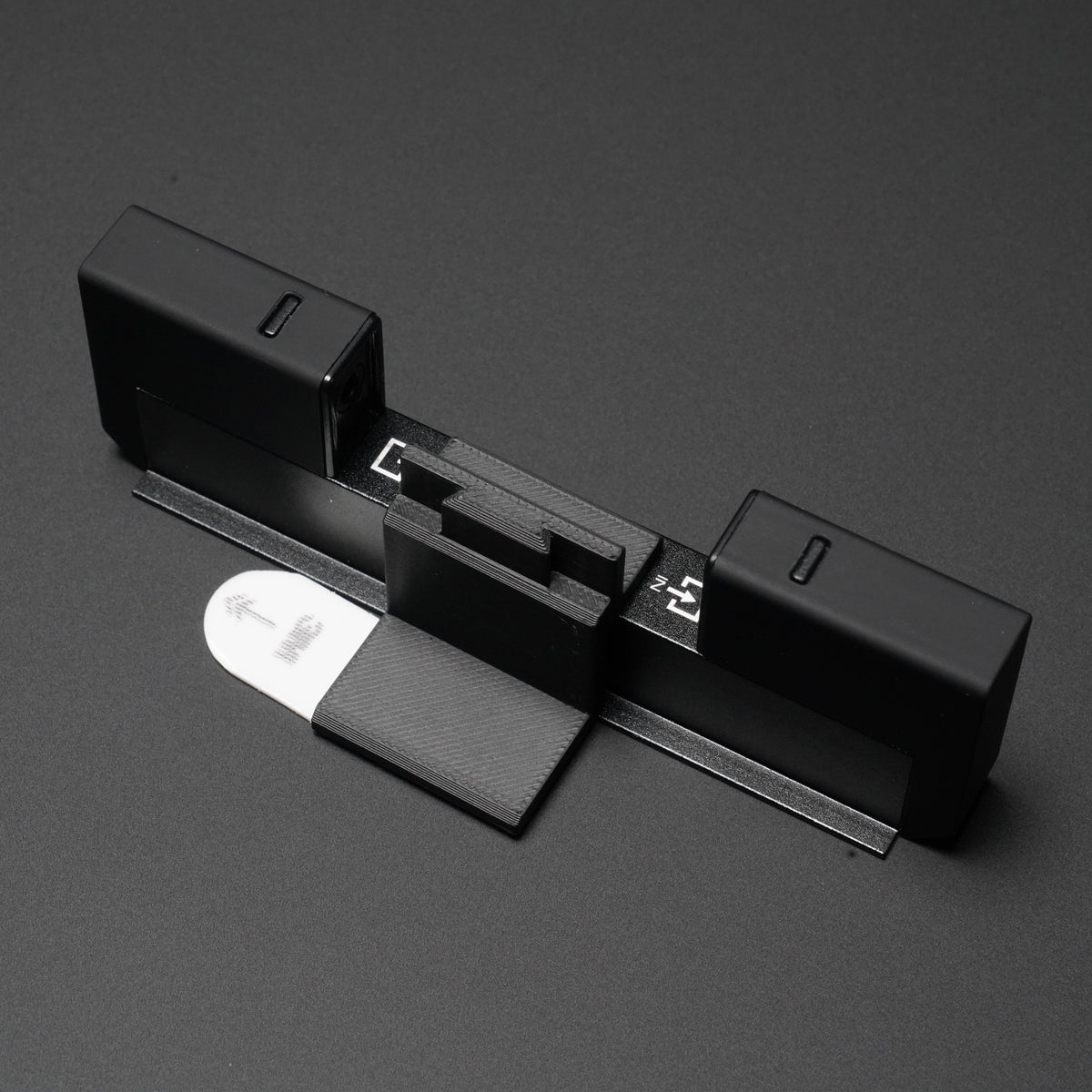
Light bars attach to the frame of your display with 3M Command Strips. On thin panels (OLED especially) there isn't enough frame to grip, so the bars need a bracket behind them. Each articulating bracket holds two Command Strips for a firm, no-slip mount. When it earns its spot: your display is an OLED or a thin LED panel. One kit covers a full setup: 14 brackets, two per bar, for up to seven bars. Standard-depth monitor or TV? You don't need this.
Includes 14 L-brackets and 14 3M Command Strips.
See the L-Bracket KitNot sure which system you own, or whether your display counts as thin? Message us through support or ask in our Discord; a photo of your setup is all we need.